
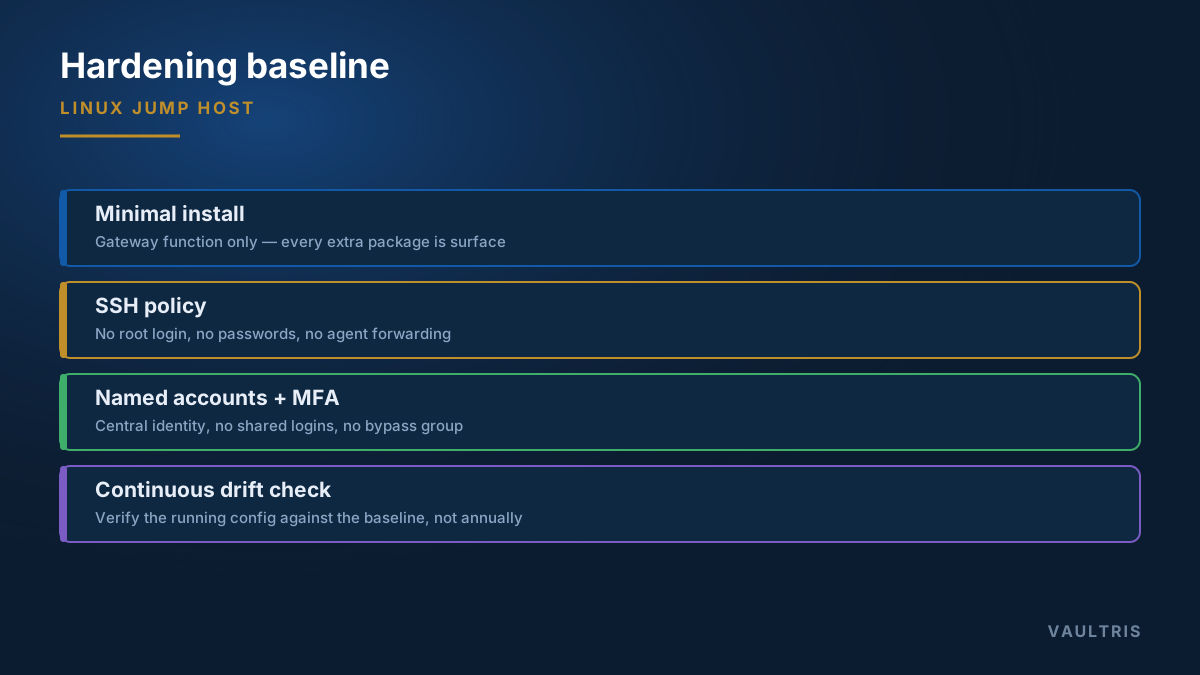
Start with what is not on it
The most effective hardening decision is made before any configuration file is edited: the bastion host runs the gateway function and nothing else. No web applications, no monitoring agents beyond what you audit, no developer tooling, no shared file services.
Every additional package is attack surface on the one host that must not fall. Build from a minimal base image, install only what the gateway function needs, and treat any request to "just put this small thing on the bastion host" as a change requiring the same review as a firewall rule.
SSH configuration
The daemon config is where most real-world bastion hosts are weakest. A defensible baseline:
| Setting | Value | Why |
|---|---|---|
PermitRootLogin | no | Root access must be attributable to a named human first |
PasswordAuthentication | no | Removes brute force and credential stuffing as viable paths |
PubkeyAuthentication | yes | Keys, ideally backed by a hardware token or a short-lived certificate |
AllowTcpForwarding | no unless required | Port forwarding turns your audited gateway into an unaudited tunnel |
AllowAgentForwarding | no | Agent forwarding lets a compromised bastion host use the operator’s keys |
X11Forwarding | no | Unnecessary surface on a headless gateway |
ClientAliveInterval | 300 | Abandoned sessions are unattended privileged access |
LogLevel | VERBOSE | Records the key fingerprint used, which you need for attribution |
ProxyJump instead — it keeps the key on the workstation.Accounts and authorisation
- Named accounts only. No shared logins, no
admin, no service account a team passes around. Attribution is the product you are buying. - Central identity. Bind to your directory so that a leaver’s disablement propagates. Local accounts on the bastion host outlive employment.
- MFA at the gateway. Enforced for every account, with no bypass group. See MFA on bastion hosts.
- Restricted sudo. Operators need to traverse the bastion host, not administer it. Very few accounts should hold privilege on the gateway itself.
Kernel and network
Sysctl settings that matter on a host whose entire job is controlled forwarding:
net.ipv4.ip_forward = 0— the gateway brokers sessions at the application layer; it must not route packetsnet.ipv4.conf.all.accept_redirects = 0andsend_redirects = 0net.ipv4.conf.all.rp_filter = 1— reverse path filteringkernel.randomize_va_space = 2— full ASLR
At the network layer, inbound should be restricted to the management port from approved source ranges, and outbound should be restricted too. A gateway that can reach the whole internet is a gateway that can exfiltrate to it.
Logging that survives the person you are auditing
Logs written only to the local disk are logs the compromiser edits. Forward to a remote collector as they are produced, and separate the duty of administering the gateway from administering the log store.
Shell history is not an audit trail. It is editable, it captures no command output, and ssh target "command" bypasses it entirely. If you need to know what happened in a session, you need session recording — see what to capture and why.
The part everyone skips: drift
Hardening is not a project with an end date. Six months after the build, someone will re-enable password authentication to unblock an integration at 2am, and it will stay enabled. Baselines erode through small, individually reasonable exceptions.
Capture the built state as a documented baseline, then verify the running configuration against it continuously rather than annually. The finding you want is "PasswordAuthentication changed 14 days ago," surfaced automatically — not discovered by an auditor next spring.