
Why shell history fails
Most organisations discover the gap during their first real incident. The bastion host has .bash_history, so surely the answer is there. It is not, for four reasons:
- It is writable by the subject. The person you are investigating can edit or delete it, and
unset HISTFILEdisables it for a session. - It records input, never output. You can see that
SELECTran; you cannot see what came back. - It misses non-interactive work.
ssh target "rm -rf /var/data"never enters an interactive shell. - It buffers. History is typically flushed at logout, so a killed session loses its record — precisely the sessions you most want.
What to capture, by session type
| Session | Capture | Why this form |
|---|---|---|
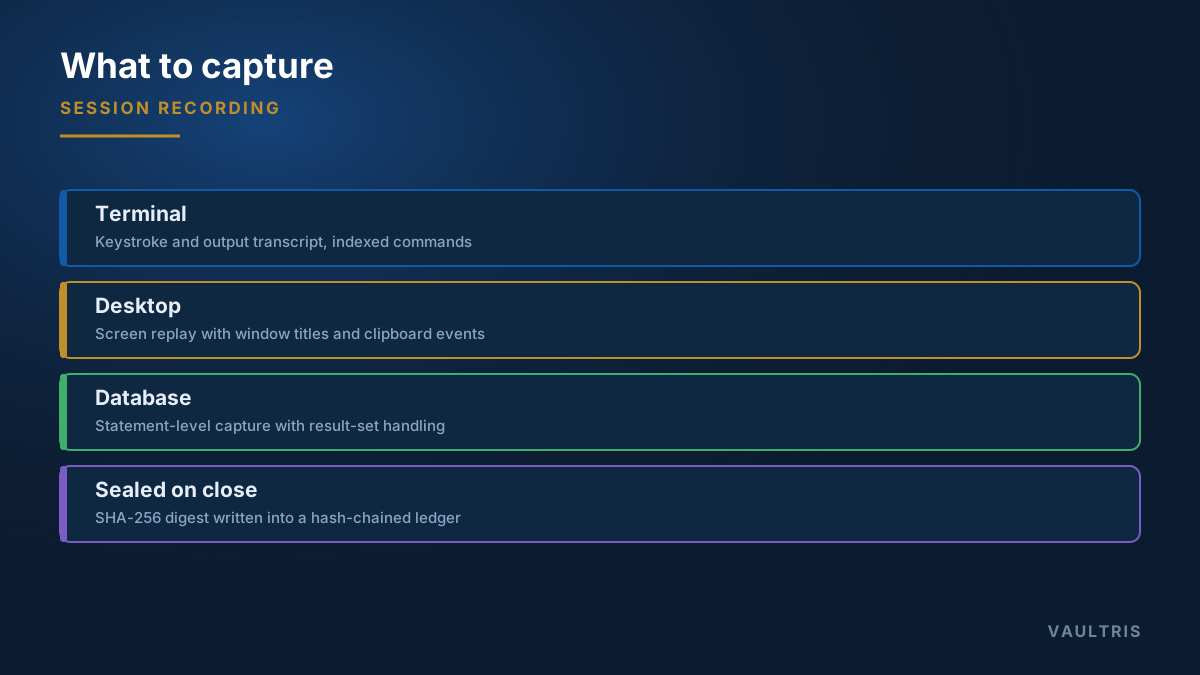
| SSH / terminal | Full keystroke and output transcript, timed, plus an indexed command list | Text replays cheaply, searches well, and stays small |
| RDP / desktop | Screen replay with window titles and clipboard events | Graphical work has no text stream to capture |
| Database | Statement-level capture with result-set handling | The interesting action is the query, not the connection |
| Web console | Brokered browser on the gateway, recorded with a navigation trail | Cloud consoles are administrative access with no protocol to proxy |
| File transfer | Filename, direction, size, and hash of every file | Exfiltration and unauthorised change both show up here |
The command index is the part people actually use
Full replay is essential for evidence and useless for daily work — nobody watches forty minutes of terminal to find one command. An indexed list of commands executed, searchable across months and scored for risk, answers most questions in seconds.
Reserve replay for the cases where you need to see it exactly as it happened: incidents, disputes, and anything heading toward a legal process.
Making a recording evidence
A file that shows what happened is not the same as a file you can prove was not altered. Three properties turn one into the other:
- Seal on close. Compute a cryptographic digest — SHA-256 — the moment the session ends, before anything else touches the file.
- Chain the digests. Write each digest into an append-only ledger where every entry covers the previous one. Removing or altering a past record then breaks the chain visibly from that point forward.
- Separate the duties. Administering the gateway and administering the evidence store must be different roles. Otherwise the person with the most to hide has the most access to the record.
What it costs
Terminal recordings are text and compress extremely well — a busy operator generates a few megabytes a month. Screen recording is video-like and is the real cost driver; a full RDP session can run hundreds of megabytes an hour.
Practical retention design tiers by system class rather than applying one rule: evidence-bearing and regulated systems retain far longer than general infrastructure, and screen recordings are often kept for a shorter window than terminal transcripts. Set those tiers during design against your legal-hold obligations, not after storage fills.
Tell people it is happening
Recording privileged sessions is normal, defensible, and expected in regulated environments — but it is monitoring of employees, and in many jurisdictions it carries notice obligations. State it in policy, display it in the session banner, and be clear about who may view recordings and under what circumstances. Deployments that skip this step generate grievances rather than evidence.