
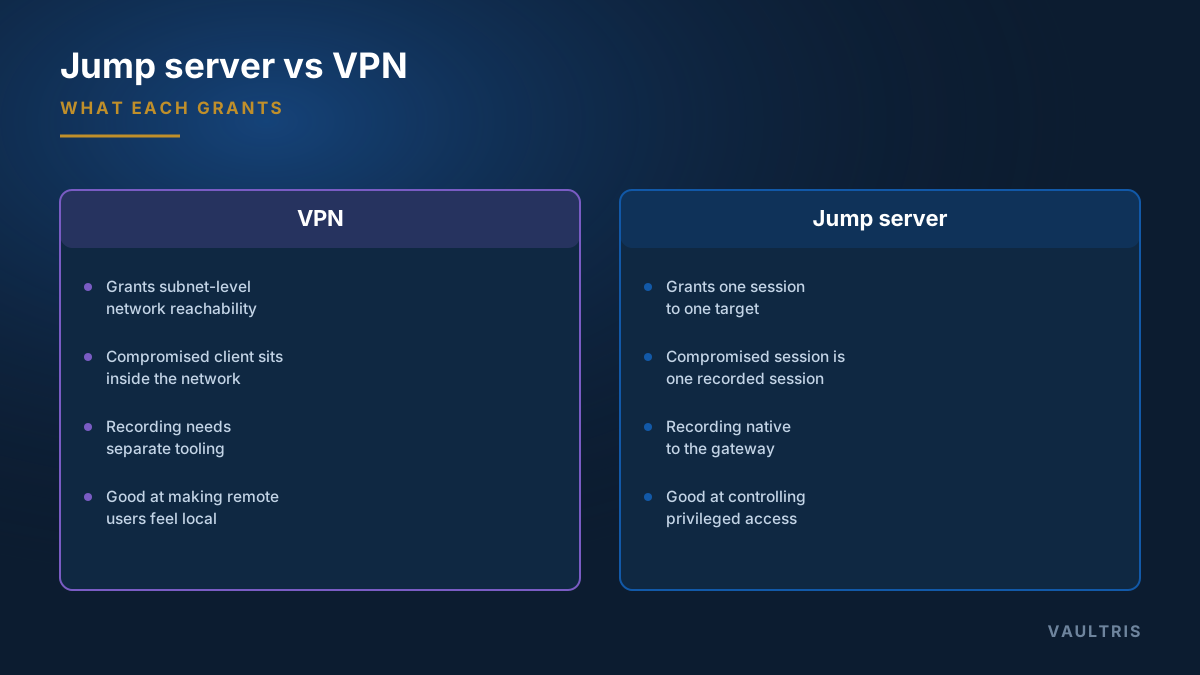
The structural difference
| VPN | Bastion host | |
|---|---|---|
| Grants | Network reachability to a subnet or range | A brokered session to a specific target |
| Granularity | Network-level, often broad | Per-system, per-account, per-capability |
| If the client is compromised | The attacker is inside the network | The attacker has one recorded session |
| Recording | Requires separate tooling | Native to the gateway |
| Credential handling | User authenticates onward themselves | Gateway can inject, so the user never learns it |
| Best at | Making distant users feel local | Controlling and evidencing privileged access |
Why "VPN is insecure" is the wrong framing
A VPN does its job well. Modern implementations use strong cryptography, support MFA, and are entirely appropriate for their purpose: letting a remote user reach internal resources as though they were on site.
The problem is that "as though they were on site" is exactly what you do not want for privileged access. Once connected, the client can typically reach a broad range of hosts and ports. A compromised laptop is now a foothold with network reachability, and lateral movement becomes a question of what the attacker chooses to scan.
Where zero trust fits
ZTNA brokers per-application sessions on continuously verified identity and device posture, granting no network-level access at all. Conceptually it is closer to a bastion host than to a VPN.
The practical difference is coverage. ZTNA products are typically strongest for web applications and weaker for the protocol-level administrative access — SSH, RDP, database clients, network device CLI — that a privileged access gateway is built around. They also generally do not vault credentials or record sessions for replay. A fuller comparison of all three is on the bastion host guide.
Running both, deliberately
Most mature environments end up with a layered arrangement, and it is a reasonable design:
- VPN or ZTNA for general access — email, intranet, internal web applications, day-to-day work.
- The bastion host for privileged access — reachable from the VPN, but the only route onward into production.
- Targets refuse everything else — production accepts administrative connections only from the gateway’s address, so being on the VPN grants proximity, not privilege.
The failure to avoid is the common one: a VPN whose address range is permitted to reach production management ports directly. That arrangement has a bastion host on the diagram and no chokepoint in reality.
Choosing
- Access is for administrative work on specific systems → bastion host
- Access is for ordinary work across many internal resources → VPN or ZTNA
- You need session recording, credential injection, or approval workflow → bastion host; the others do not provide these
- Access is for third parties → bastion host, always, with scoped and expiring grants